

AIでInstagram投稿制作 Create Instagram content with AI
Claude CodeまたはCodexで制作したい方へ。教材の実演はCodexを使い、タコ先生の企画・画像制作・HyperFramesによる動画制作を学びます。 For creators using Claude Code or Codex. Demonstrations use Codex to plan Tako Sensei content, create images and make videos with HyperFrames.
- こんな方へ Who it is for
- Claude CodeまたはCodexでSNSコンテンツを作りたい方 People creating social content with Claude Code or Codex
この講座でできるようになること What you will learn
- 学習者に伝える内容を整理し、Codexへ具体的に依頼できる Organize your learning content and write a clear request for Codex
- タコ先生の実例をもとに、画像・文字の配置を確認して直せる Review and improve image and text layouts using real Tako Sensei examples
- HyperFramesで音声と表示を合わせ、動画を書き出して確認できる Synchronize audio and visuals in HyperFrames, then export and review a video
完成サンプル Finished examples
動画 Video
東京と大阪の発音比較。音声付き・15秒の制作プレビュー。 Tokyo and Osaka pronunciation compared. A 15-second production preview with audio.
ストーリー Story
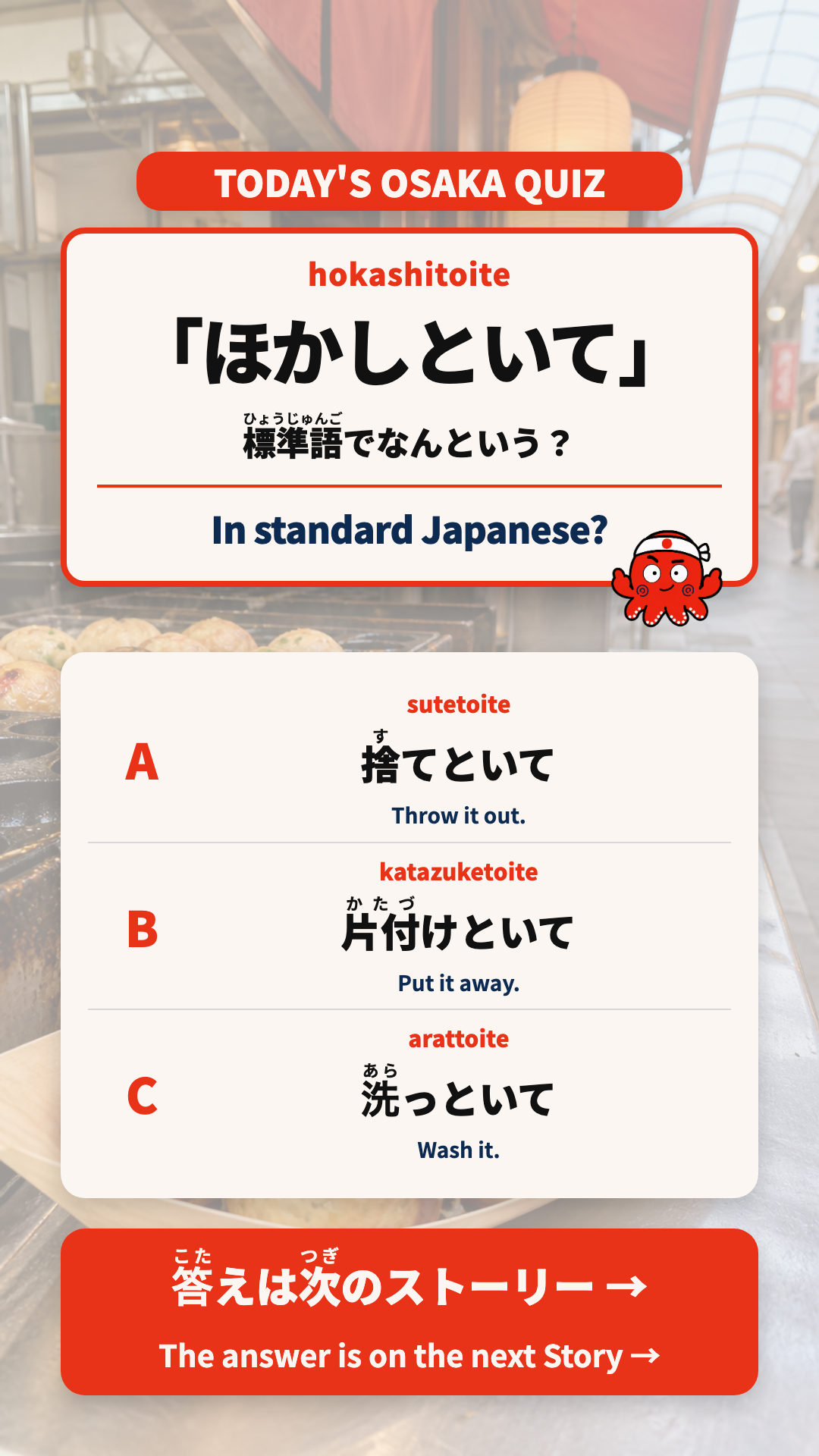
「ほかしといて」の意味を選ぶ、実際のクイズ画像。 An actual quiz image asking what “hokashitoite” means.
カルーセル Carousel
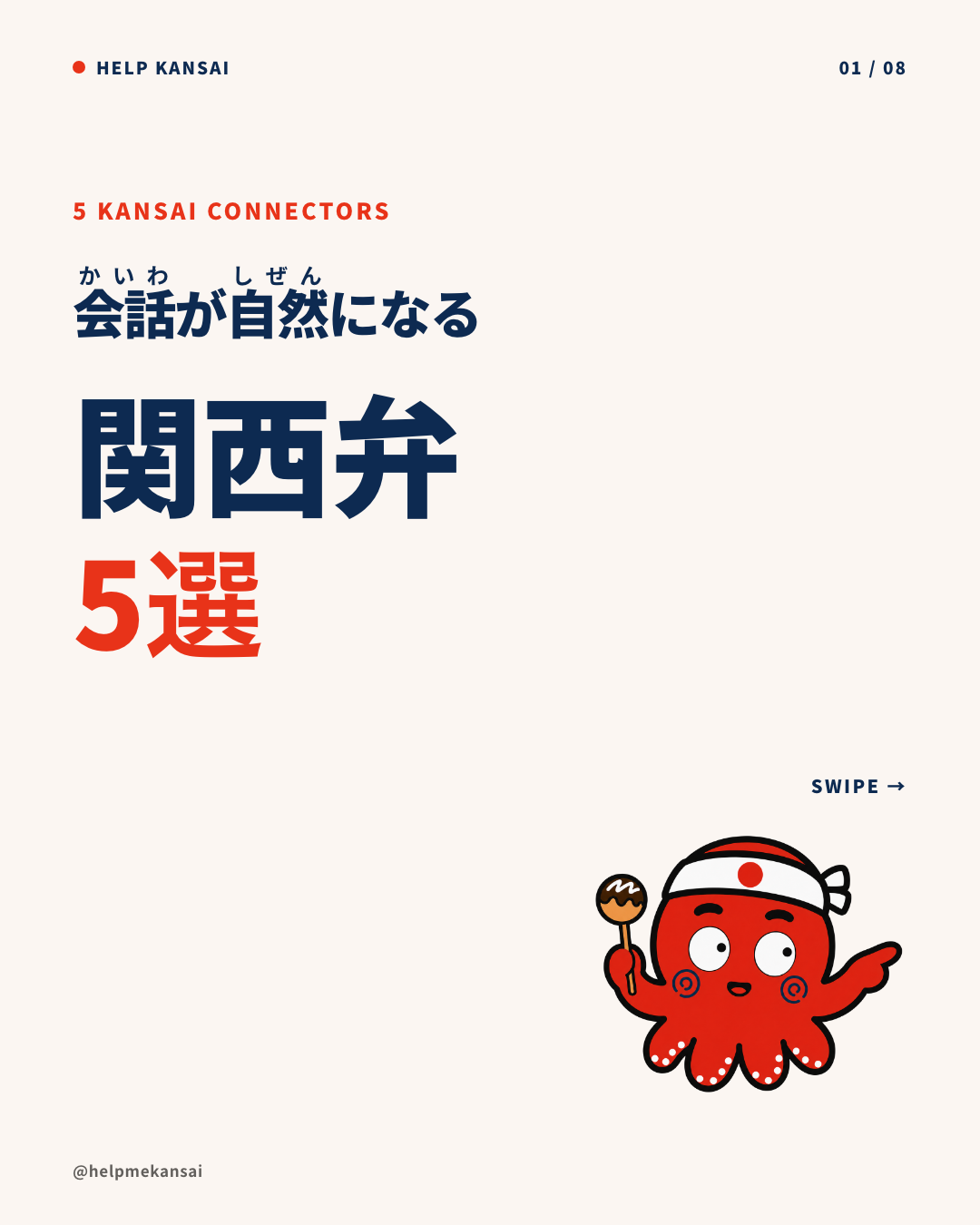
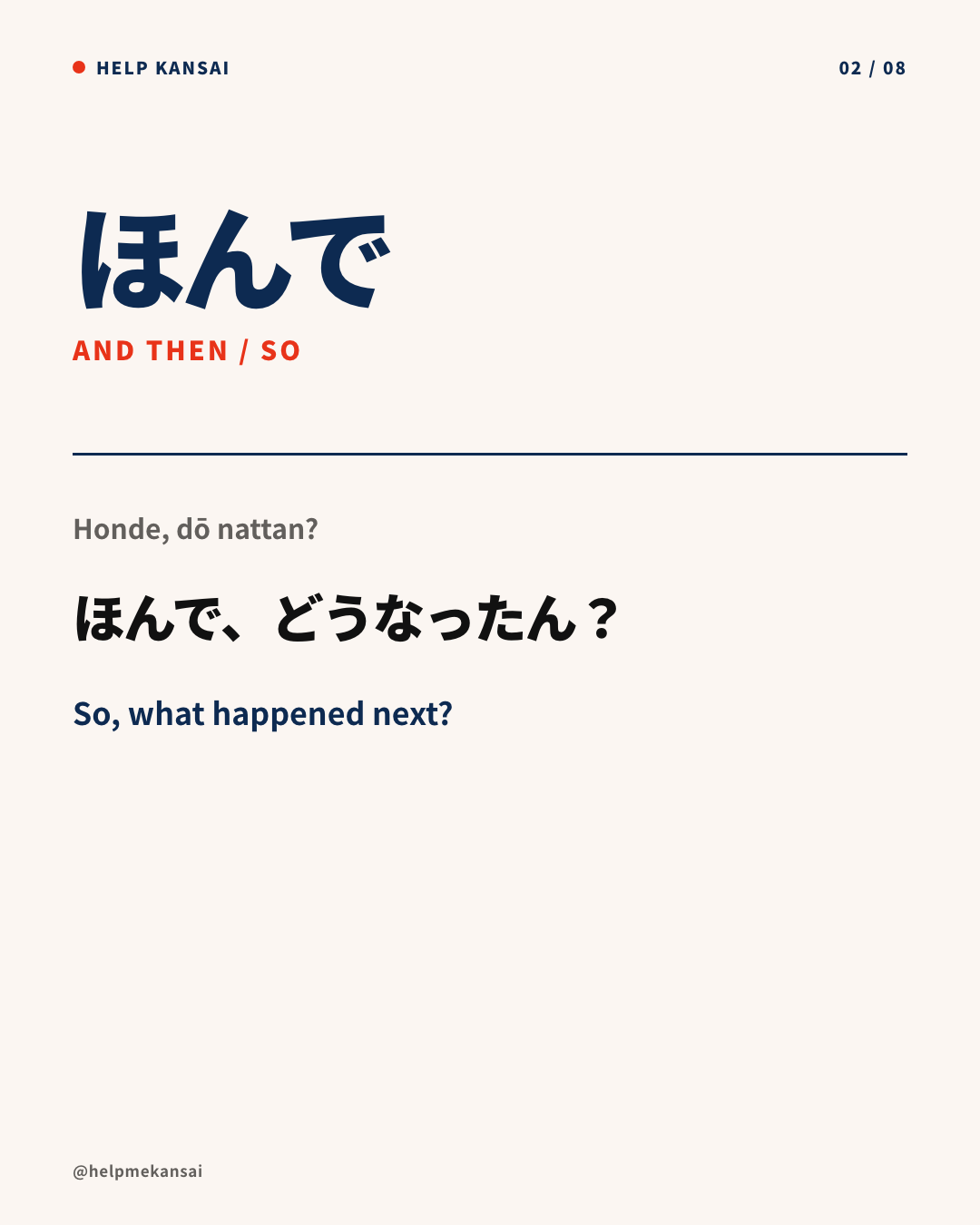
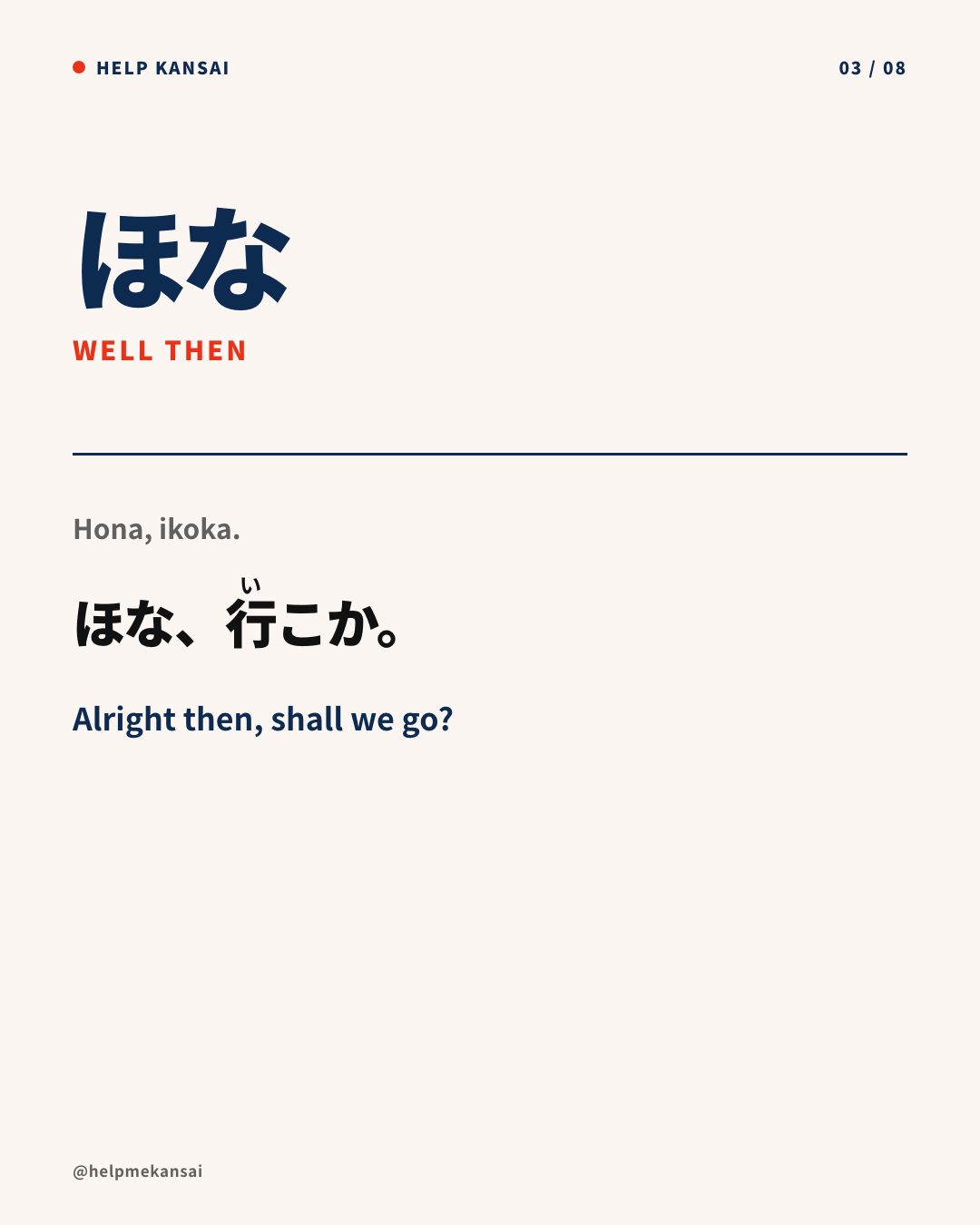
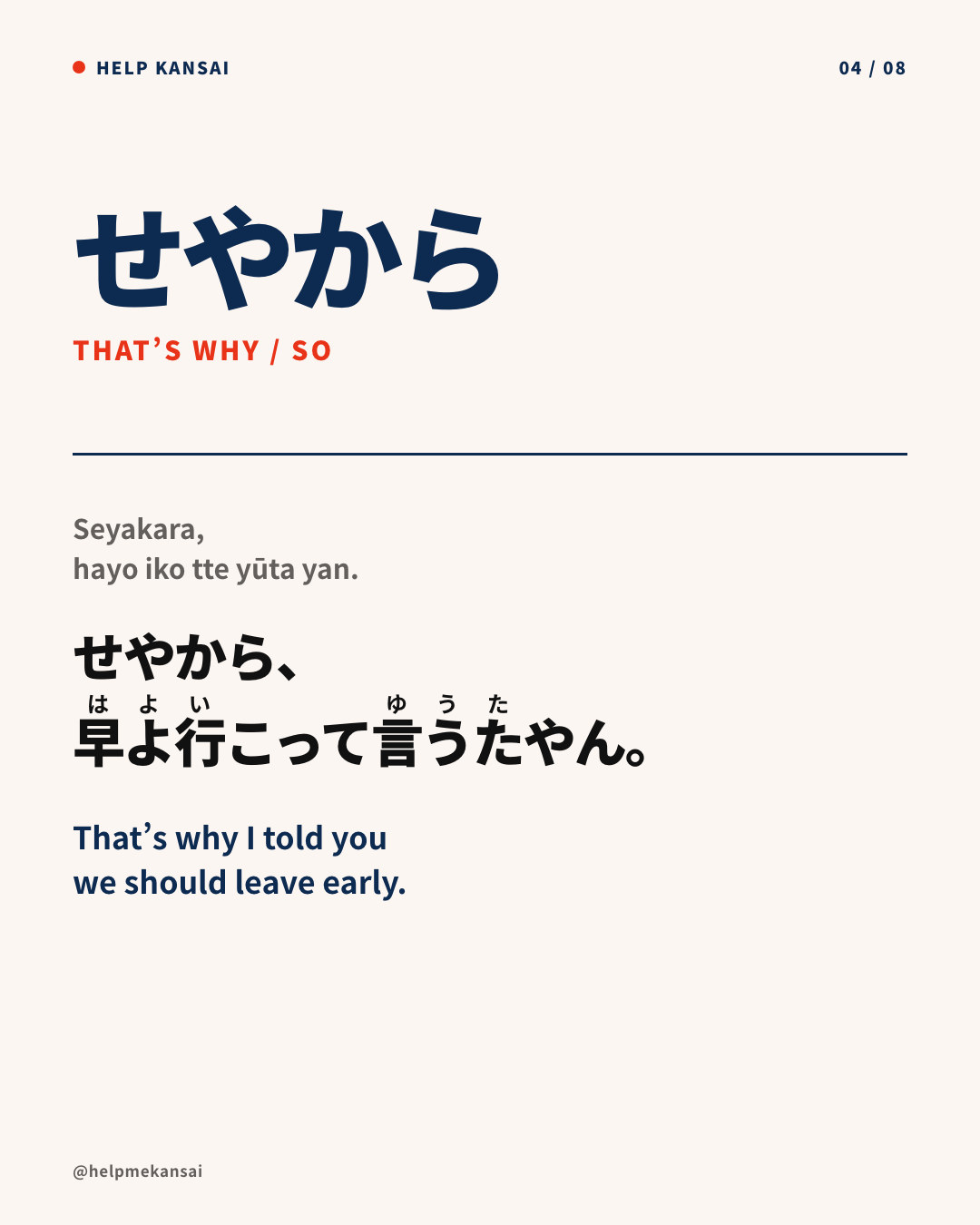
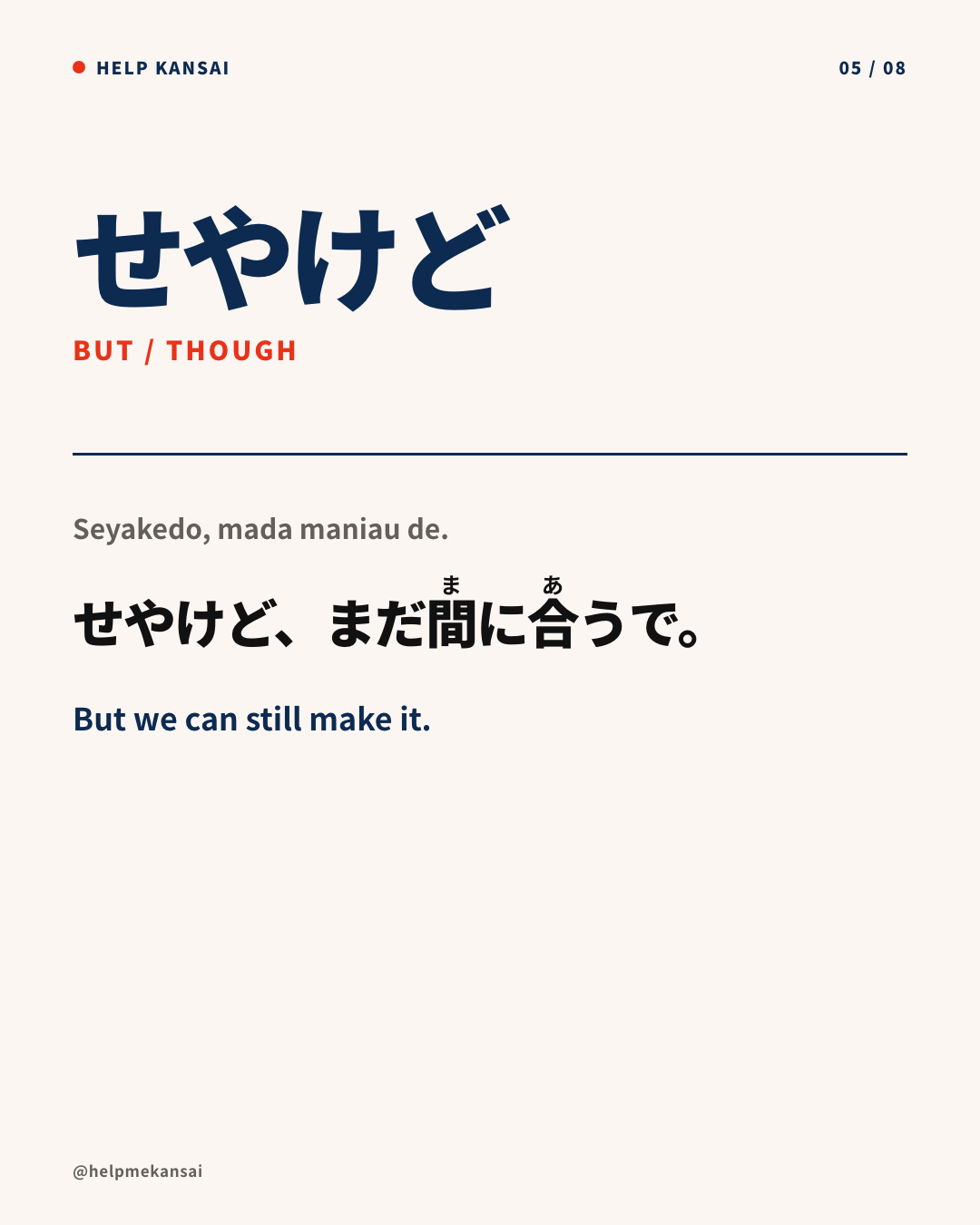
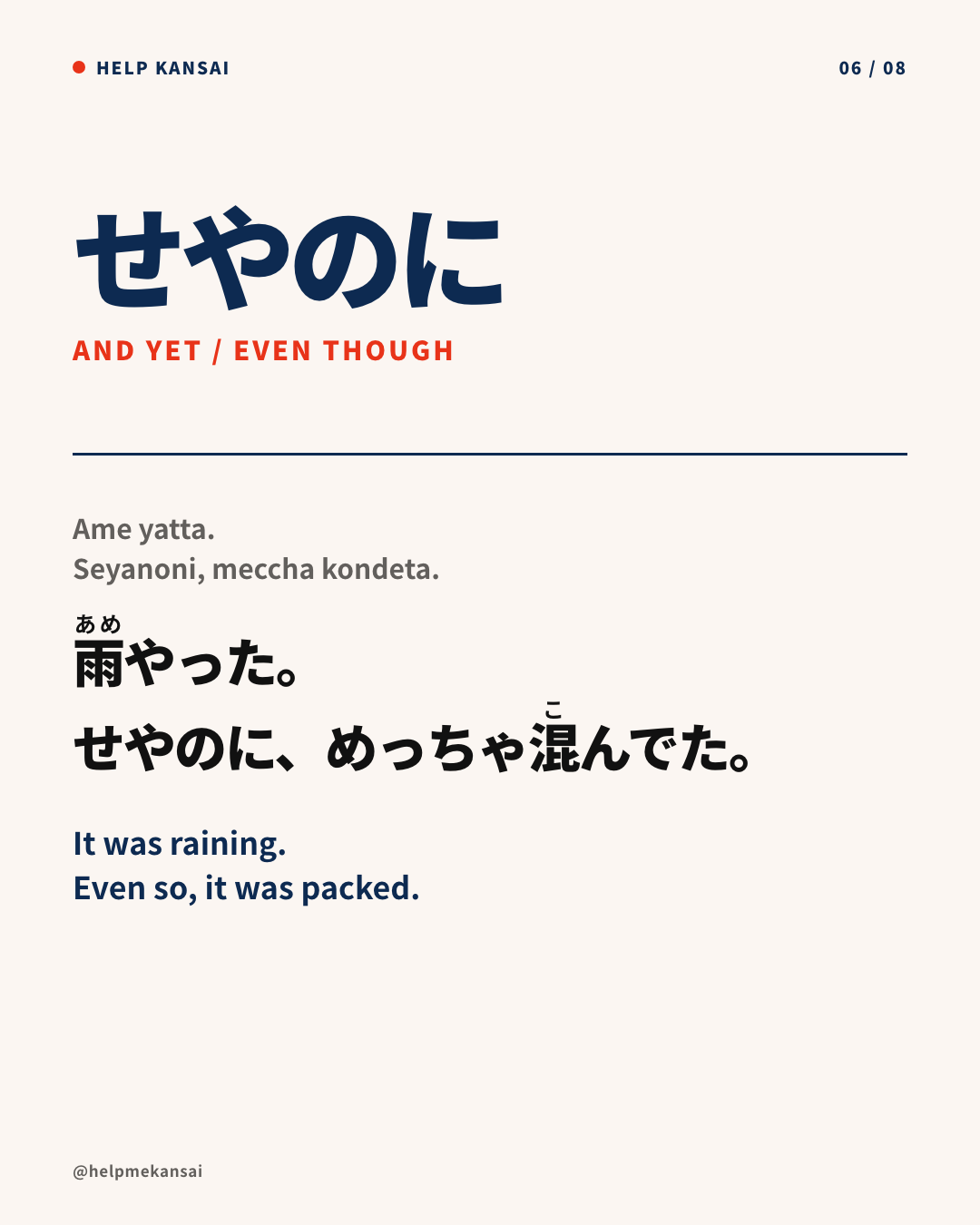
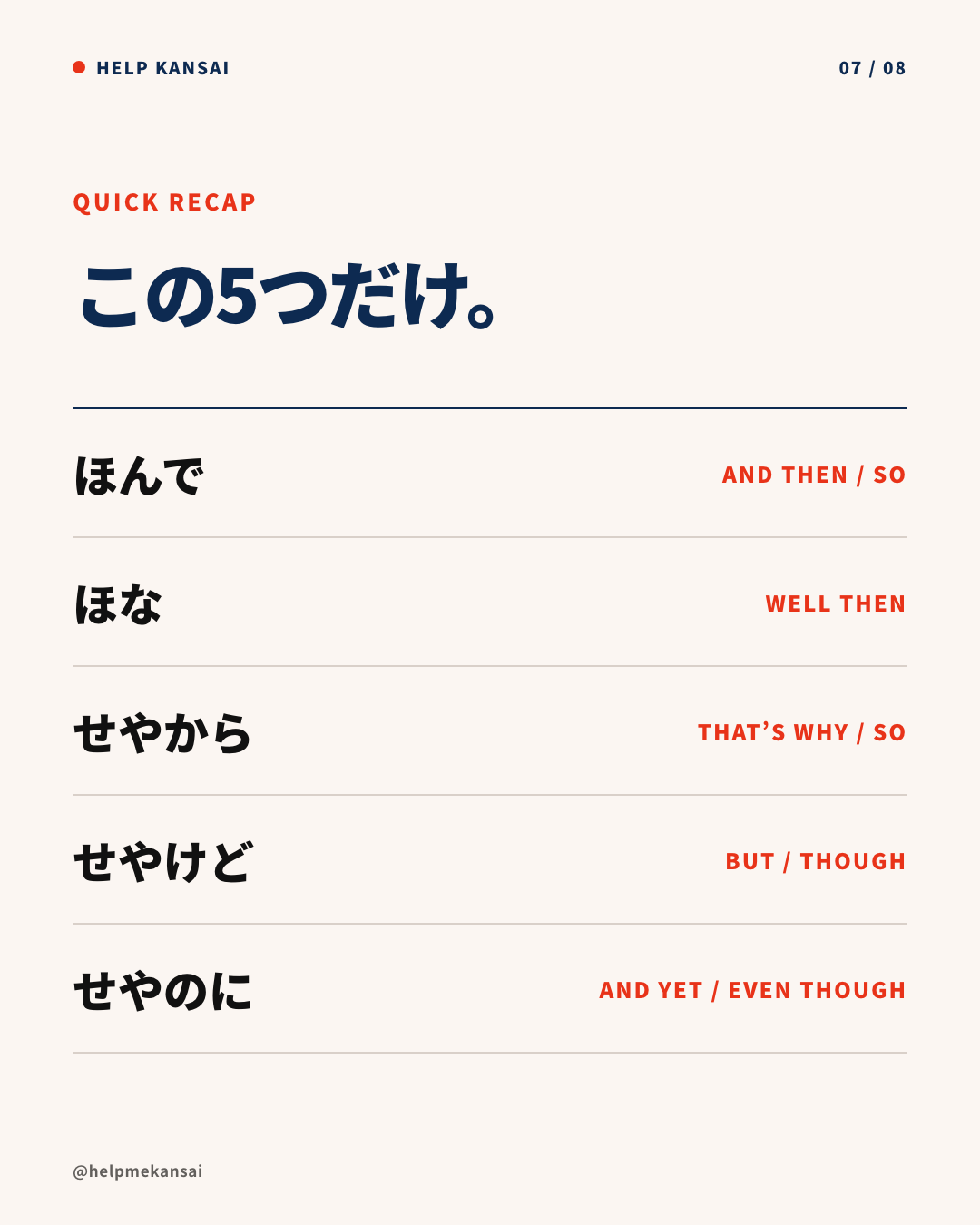
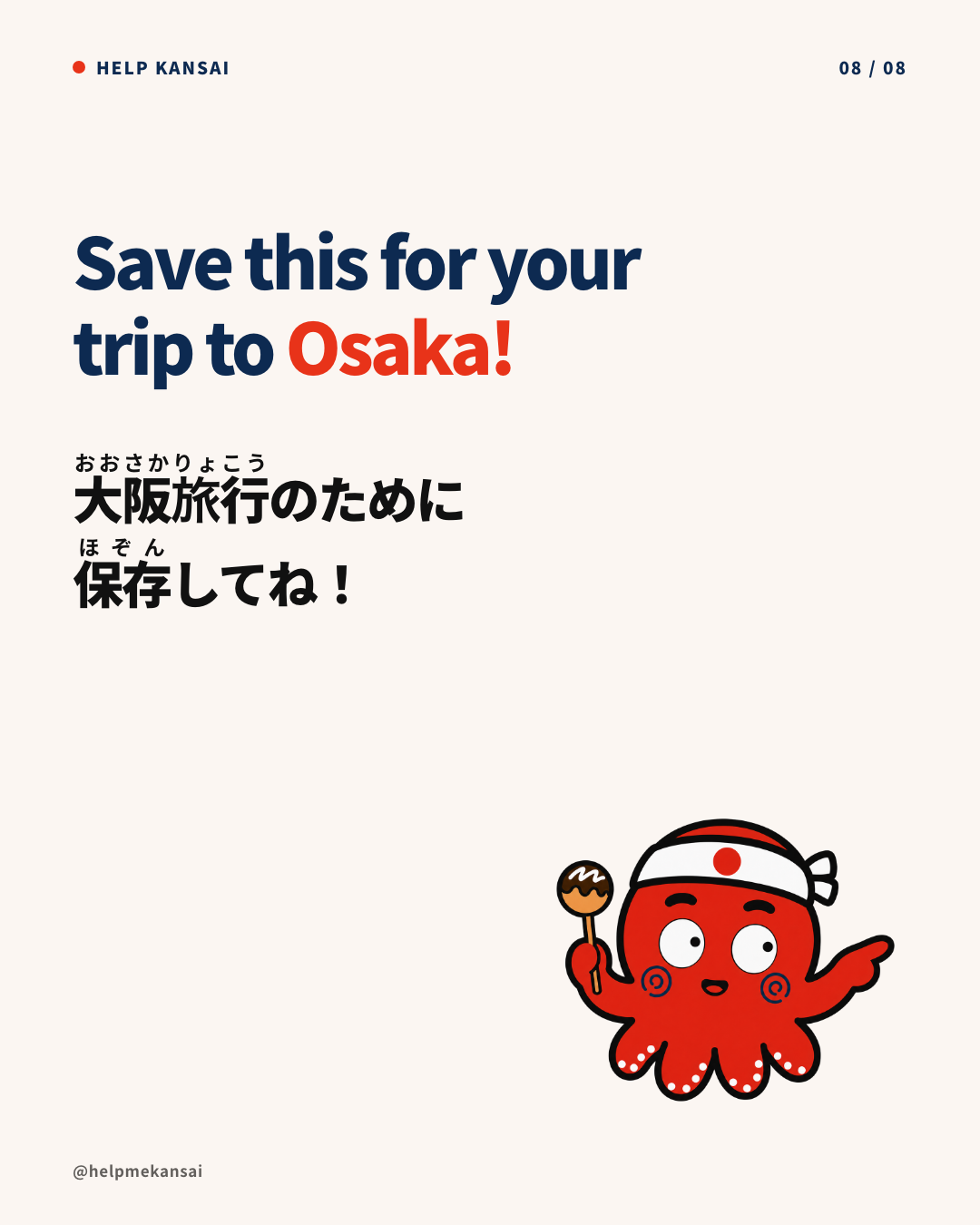
1 / 8
関西弁のつなぎ言葉5選。全8枚の制作サンプル。 Five Kansai connectors. An eight-image production sample.
カリキュラム Curriculum
8章 8 chapters実例と手順を確認しながら、順番に進めます。 Work through real examples and practical steps in order.